Reading awkward text
Game menus and trading cards are full of holographic and busy backgrounds that confuse ordinary text recognition. QuickOCR applies filters made for noisy and coloured backgrounds before it reads the words.
Windows · Utility
Drag a box around anything on screen and get its text.
A portable snipping tool for Windows. Nothing to install, and it reads text on your own PC, so it works offline and your screenshots stay with you.
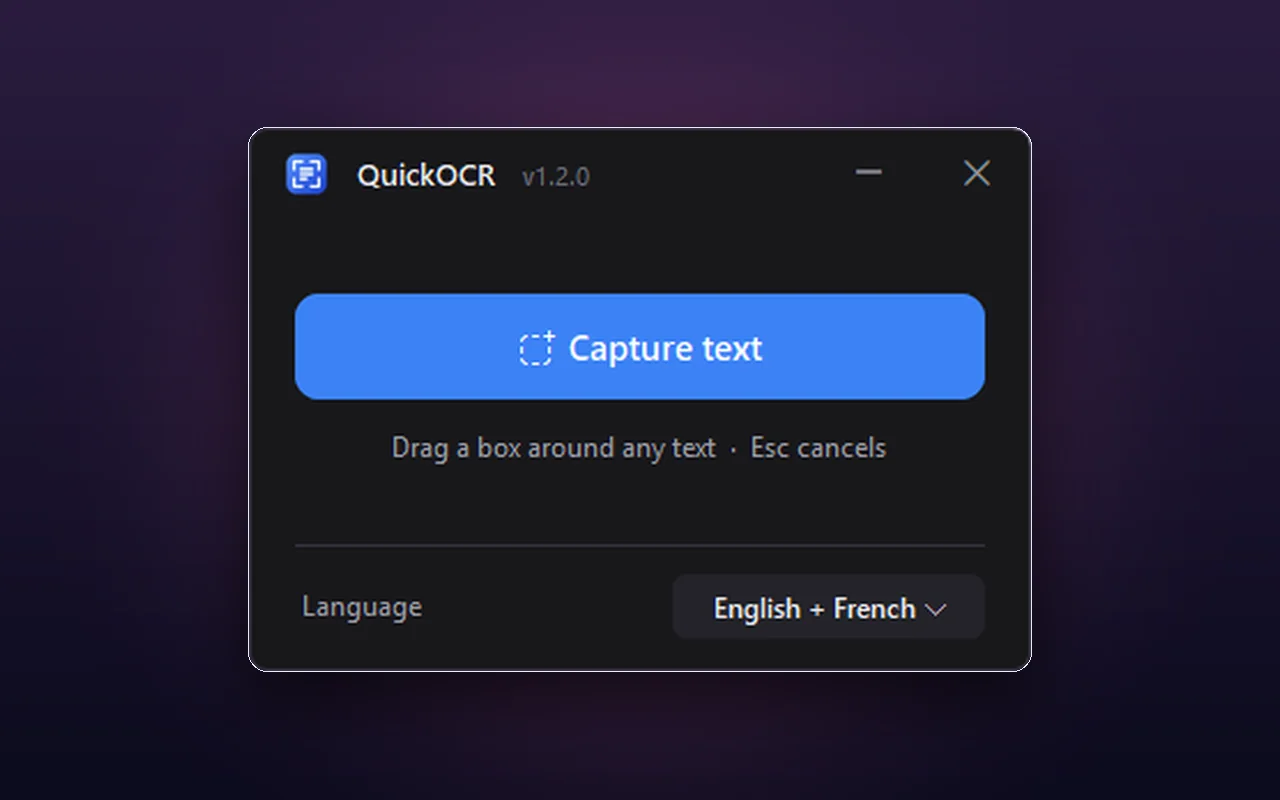
QuickOCR turns text you can see but can't select into text you can use. Drag a box around it, and the words are yours.
It's handy for text in images, videos, games, PDFs and anywhere else copy and paste doesn't work, including game menus and trading cards where the background is noisy.
It's portable: a single .exe with nothing to install and no admin rights needed. The text recognition happens on your own PC with a bundled copy of Tesseract, so it works offline and your screenshots never leave your machine.
QuickOCR is finished. Version 1.2.0 is the final release. The Windows Snipping Tool can now copy text straight out of a screenshot (Text actions, on Windows 11), which covers most of what QuickOCR does, so I wrapped the project up. It still works and stays available, but no further updates or support are planned.
Highlights
Draw a box on your screen to capture text.
English and French ship together, read together or one at a time.
Drop any Tesseract .traineddata file in and pick it in the app.
Special filters to read text on noisy or coloured backgrounds, like game menus and trading cards.
Recognition happens on your PC. Nothing is uploaded.
One .exe. No installer, no admin rights.
The text goes to your clipboard automatically, ready to paste.
The result popup shows a warning when Tesseract isn't sure of the read, so you can check before pasting.
The source is on GitHub, and build.bat builds the single .exe.
Getting started
Get it from the latest release on GitHub. You need Windows 10 or 11, and nothing else: Tesseract is bundled.
It's a single file. There's nothing to install.
The screen dims while the capture overlay is up.
Drag over the words you want.
The text is copied to your clipboard automatically. To cancel a capture, click once without dragging, right-click, or press Esc.
In detail
Game menus and trading cards are full of holographic and busy backgrounds that confuse ordinary text recognition. QuickOCR applies filters made for noisy and coloured backgrounds before it reads the words.
It ships with English and French, which you can read together or one at a time. Tesseract is most accurate with one language selected, so prefer a single language over a long combination.
To add another, download its .traineddata file from tessdata_fast (for example deu.traineddata), put it in Tesseract-OCR/tessdata, and pick it from the Language dropdown.
Recognition runs on your PC using a bundled copy of Tesseract, so it works offline and nothing is uploaded. It keeps a small log at %APPDATA%\QuickOCR\quickocr.log, which is handy to attach to a bug report.
The source is on GitHub, and build.bat builds the single .exe. Building from source picks up every language you've added automatically.
Questions
That's the capture overlay. Press Esc, right-click, or click once to dismiss it.
The result popup shows a warning when Tesseract is unsure of the read, so check it before pasting.
QuickOCR can only recognise the languages it ships with, so Größe may read as GroBe and niño as nino. Add the language: see Languages above.
On Windows 11, the Snipping Tool's Text actions can copy text out of a screenshot and cover most of what QuickOCR does. QuickOCR is still handy on Windows 10, fully offline, for game menus with noisy backgrounds, and for languages you add yourself.
QuickOCR writes a log to %APPDATA%\QuickOCR\quickocr.log, and attaching it to a GitHub issue makes a problem far easier to track down. Keep in mind that QuickOCR is no longer being updated.
Download the single .exe and run it. It's free, portable and works offline.