Game controls, saved per game
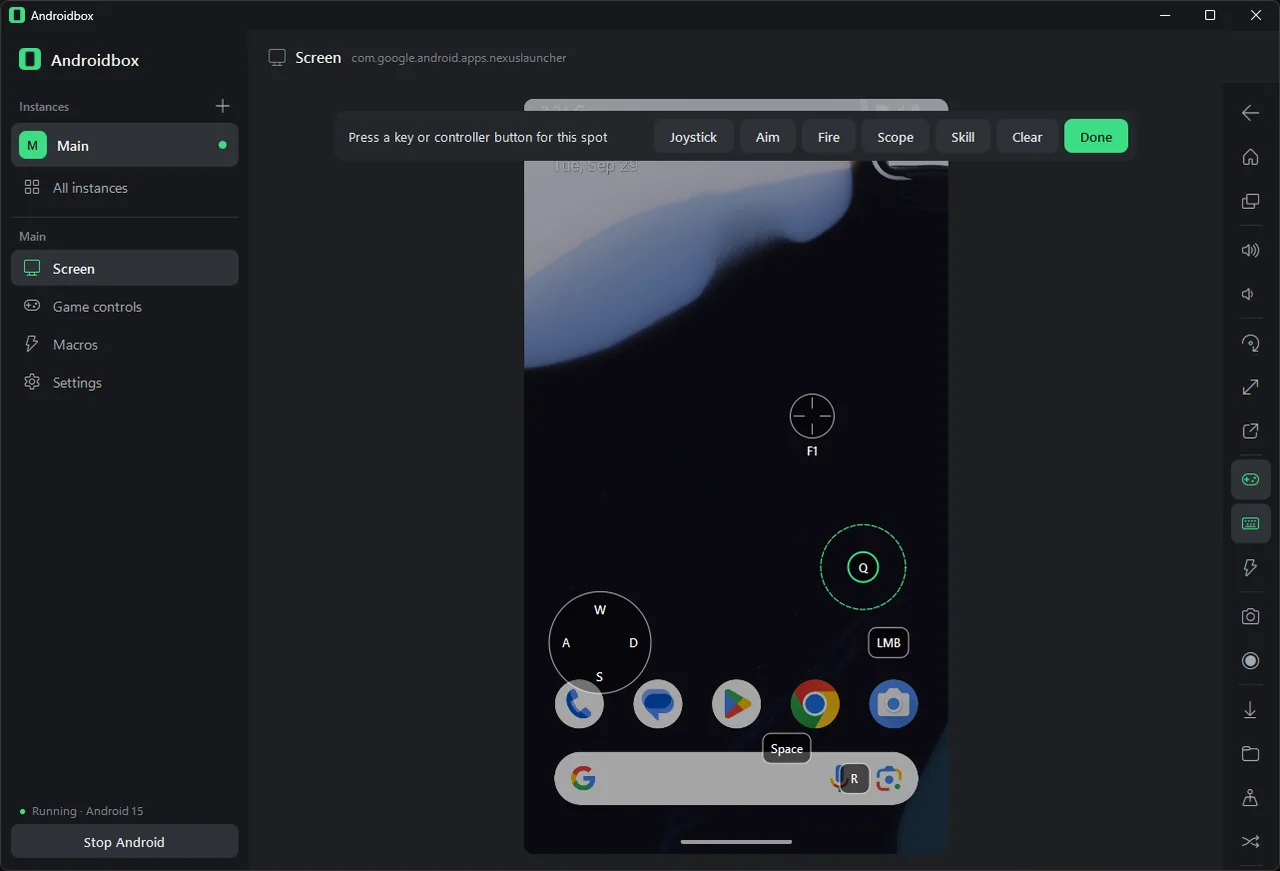
Open the game, press Ctrl+Shift+E, click where a button is and press the key you want for it. Add a joystick, aim, look, fire, scope, skill, turbo, hold, swipe, tilt or macro control, drag them into place and press Done.
Starter layouts for shooters, MOBAs, racing games, platformers and endless runners give you a head start, and layouts export to a file you can share.
Controllers
Xbox, PlayStation and Switch Pro controllers, 8BitDo pads and most other gamepads work straight away, wired or over Bluetooth. Plug in two for couch co-op.
Without game controls they navigate Android: A is Enter, B is Back, Start is Home.
Macros that react to the screen
Record taps, swipes and key presses once, play them back at half to four times the speed, repeat them as long as you like, and give them a hotkey that works even when another program has the keyboard.
Smart steps compare colours on screen, so a macro can wait for a button, skip steps when something isn't showing, or tap a picture wherever it appears.
Profiles and saved states
A profile keeps your control layouts, macros, presets and preferences together: make one for yourself and one for streaming. There's no server and no login, and AndroidBox uploads nothing itself.
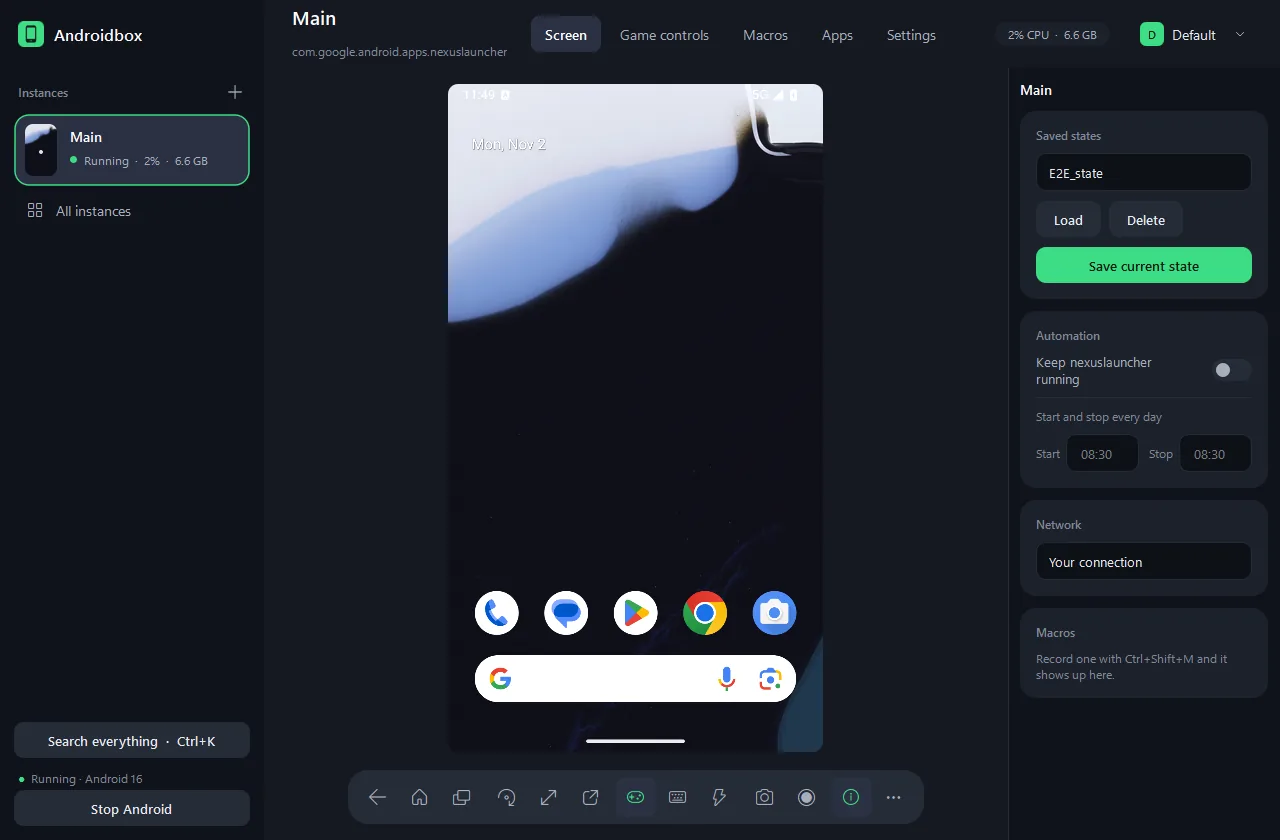
Saved states capture an instance exactly as it is, which is handy before a boss fight or a risky setting.
Blocking ads inside Android
Block ads filters ad networks inside every app and game through AdGuard DNS, and the ad-free browser option installs Firefox from Mozilla with uBlock Origin ready to go.
Ads that apps serve from their own servers can't be filtered by any DNS blocker.
Where it connects
AndroidBox contacts dl.google.com for Android downloads, GitHub to look for updates, Mozilla only when you install Firefox from the app, and any download mirror you add yourself.
If Google's servers are slow or blocked where you live, add a mirror. Every package is still checked against its checksum.
Works with Claude Code (off by default)
Turn on Let Claude Code control Android in Settings and AndroidBox gives Claude Code tools for your running instances: screenshots, reading what's on screen, tapping, typing, installing apps and reading logs.
Turn the switch off and the helper is deleted.